GDPR and Cameras in Bars: A Practical Guide
Putting a camera anywhere near a workplace in the EU raises a fair question: what happens to the footage, and who gets to see it. For a bar considering camera-based inventory, that question is worth answering clearly before installation, not after. This is practical guidance, not legal advice - data protection rules vary by member state and by venue, so treat this as a starting checklist to bring to whoever handles compliance for your business, not a substitute for that conversation.
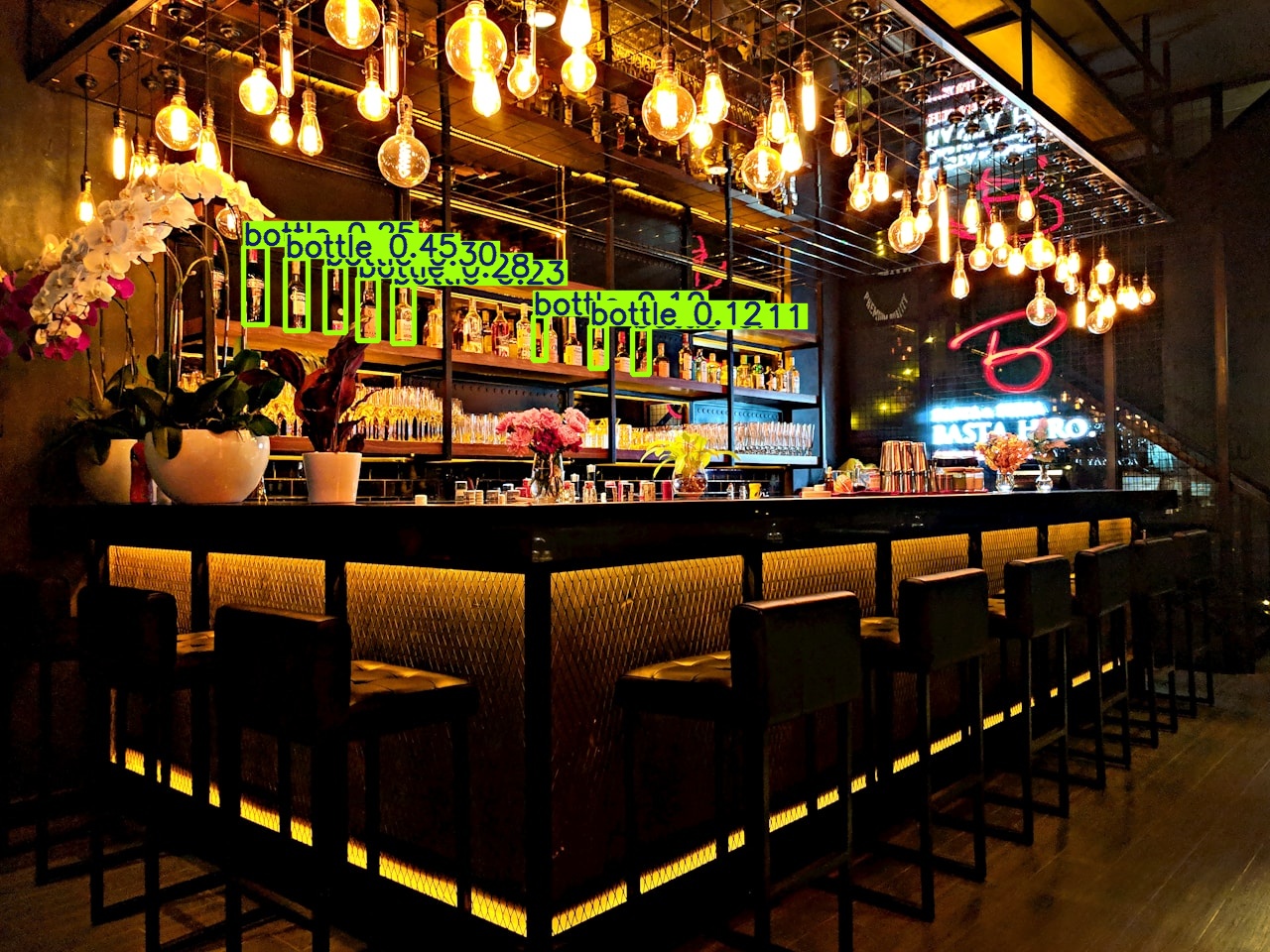
What BarBee is actually built to record
The system is designed around one goal: count bottles and read fill levels, not identify people. Cameras are positioned to look down at the shelf and the working surface behind the bar, and the output the system produces is aggregated - a bottle count, a level percentage, a pour event tied to a bottle and a time. It is not built to recognize faces or track individual staff or guests. That framing matters because it changes what the camera is actually collecting: product data, not a stream of personal footage to be reviewed later.
That said, a camera aimed at a work area will still incidentally capture people moving through the frame - a bartender reaching for a bottle, a hand pouring a drink. Good placement minimizes this, but it doesn't eliminate it entirely, and it's worth planning for that reality rather than assuming it away.
Practical steps before installing anything
1. Be clear about the purpose
Write down, internally, why the camera is there: inventory accuracy and loss prevention, not general surveillance of staff. Keep the system scoped to that purpose - it's both good practice and makes every other decision below easier to answer.
2. Get the placement right
Angle cameras down toward the shelf and bottles rather than out toward the room. Where a camera also needs to see the pouring surface, keep the field of view as tight as possible to the hands and bottle rather than the wider bar area, so faces and guests are captured as little as the setup allows.
3. Put up signage
A visible notice that the area is monitored - near the entrance and near the bar itself - lets both staff and guests know what to expect. This is simple, cheap, and removes any sense that the camera is hidden or unexpected.
4. Tell staff before you install, in writing
A verbal mention in passing isn't enough. Before the camera goes up, staff should know plainly what's being monitored, why, and roughly how long the data is kept. Put it in writing - an email or a short addition to onboarding material works - rather than relying on everyone remembering a conversation.
5. Set a retention period and stick to it
Keep footage and derived data only as long as it's useful for spotting and investigating variances - a matter of days to a few weeks is typical for this kind of use, not months by default. If something needs to be kept longer, that should be a specific, documented exception (an ongoing investigation, for example), not the standing policy.
6. Limit who sees what
Most people who need the system day to day only need the aggregated numbers - bottle counts, levels, variance alerts - not raw video. Keep raw footage access to a small, named group, and make sure everyone else works from the summarized data instead.
7. Know what your vendor actually does with the data
Before installing any system, get a plain-language answer in writing: what is captured, where is it processed, how long is it kept, and who else can access it. A system that processes video locally rather than shipping it to a third-party cloud is a meaningfully smaller footprint to manage - ask the question either way.
Where this fits with the rest of the setup
None of this is a reason to avoid camera-based inventory - it's the groundwork that makes it a comfortable addition to a venue rather than an awkward one. Combined with the placement and purpose limits above, a shelf-facing camera used for inventory is a fairly narrow, well-defined use of a fairly common piece of hardware. For what the camera is actually solving, see our piece on bar shrinkage, and for how that compares to a manual count, see manual vs. Camera bar inventory.
Want to talk through the setup for your venue?
We can walk through placement, signage and retention as part of the pilot - no charge, no obligation to continue.
Request a demo